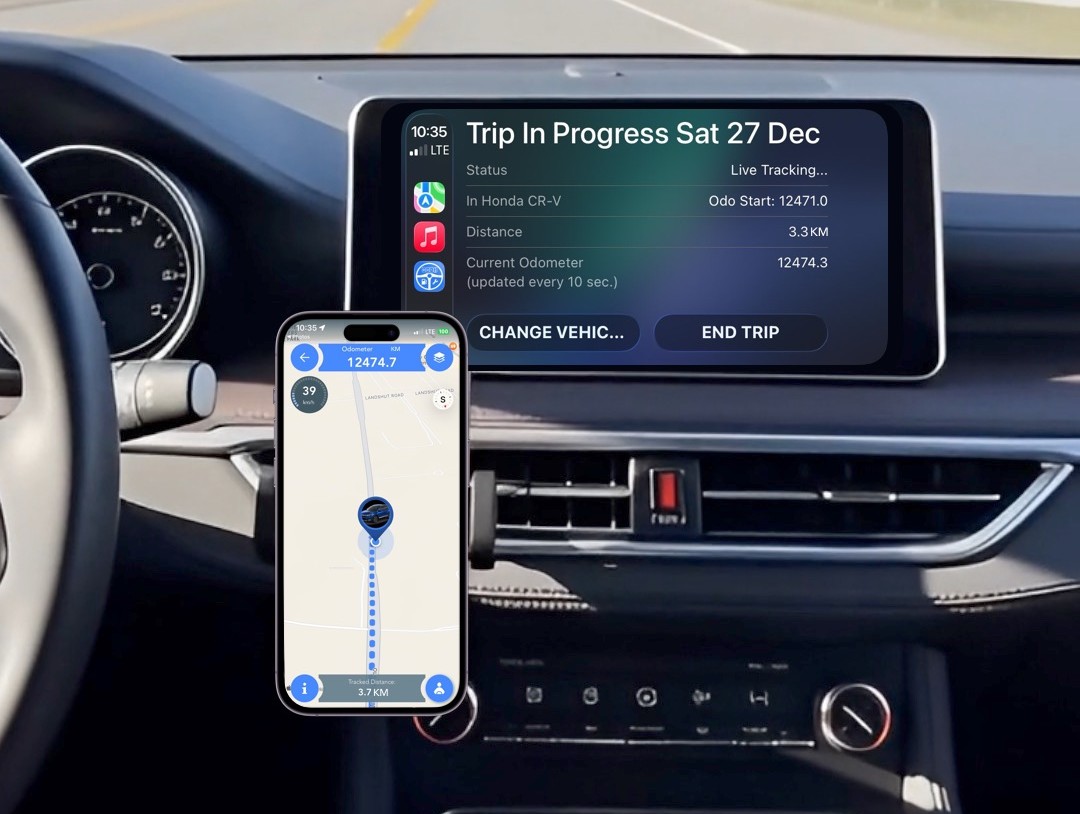

Automatic, Manual or a mixture
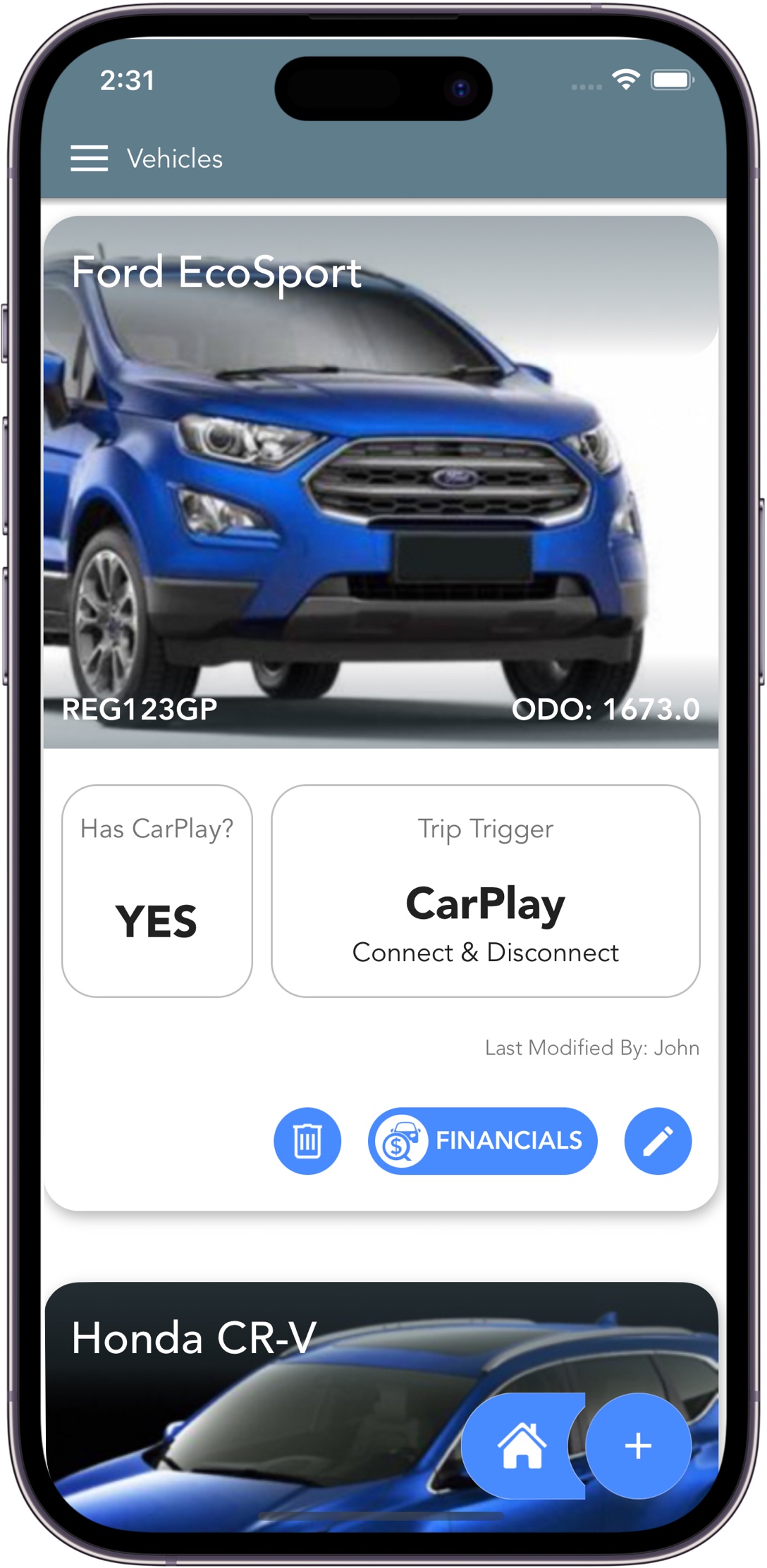
Set the desired trip trigger per vehicle and experience reliable, accurate trip detection.

Automatically track vehicle mileage, fuel, service, maintenance and expenses using your phone and export your trips to the exact SARS compliant logbook format.
Trip Logbook is designed for the real world where one size do not fit all. Flexibility gives you the perfect solution for your requirements.
Set the desired trip trigger per vehicle and experience reliable, accurate trip detection.
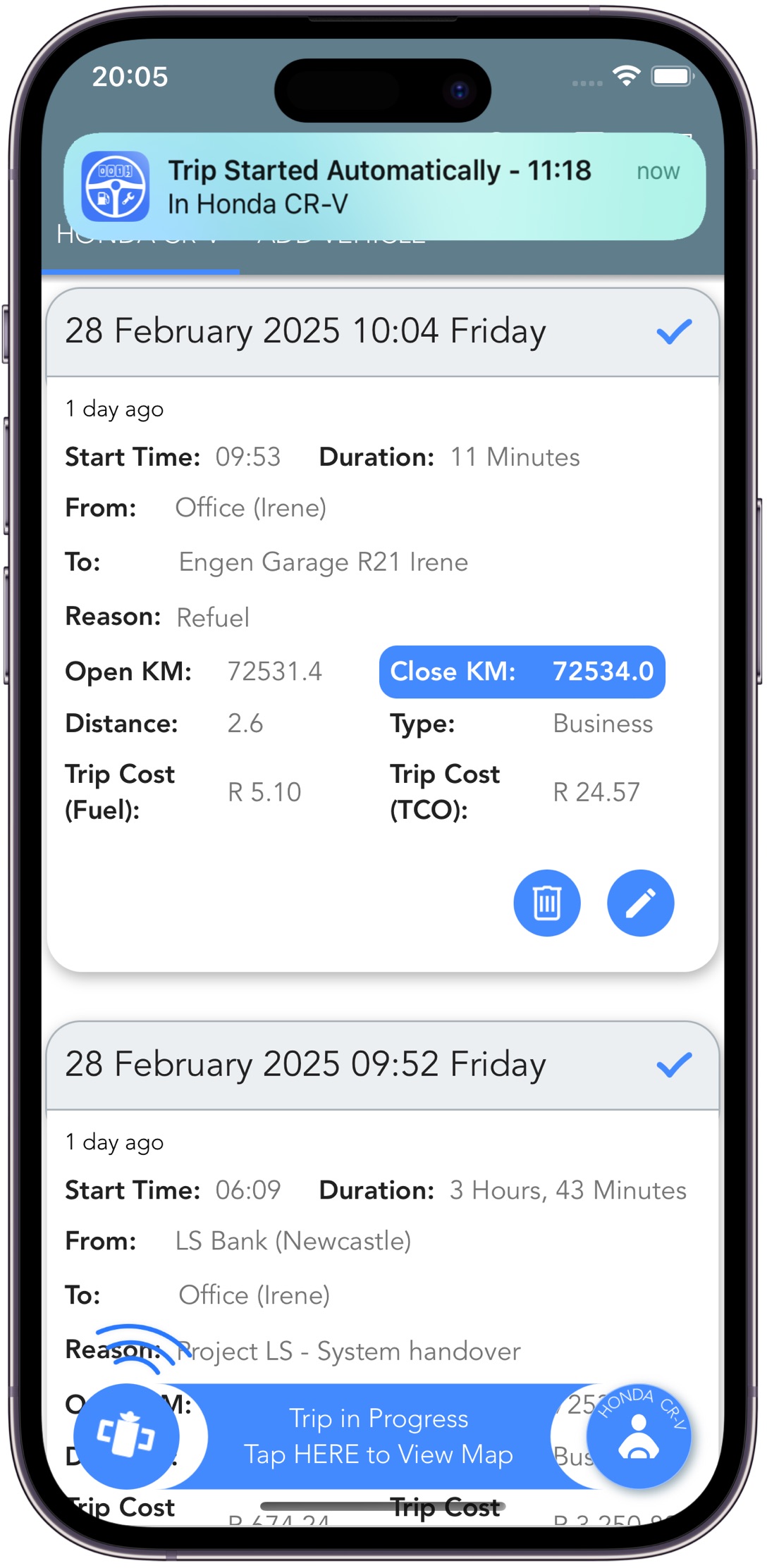

Use Live Tracking for GPS accuracy or Optimised Tracking for battery-friendly logging of your trips.
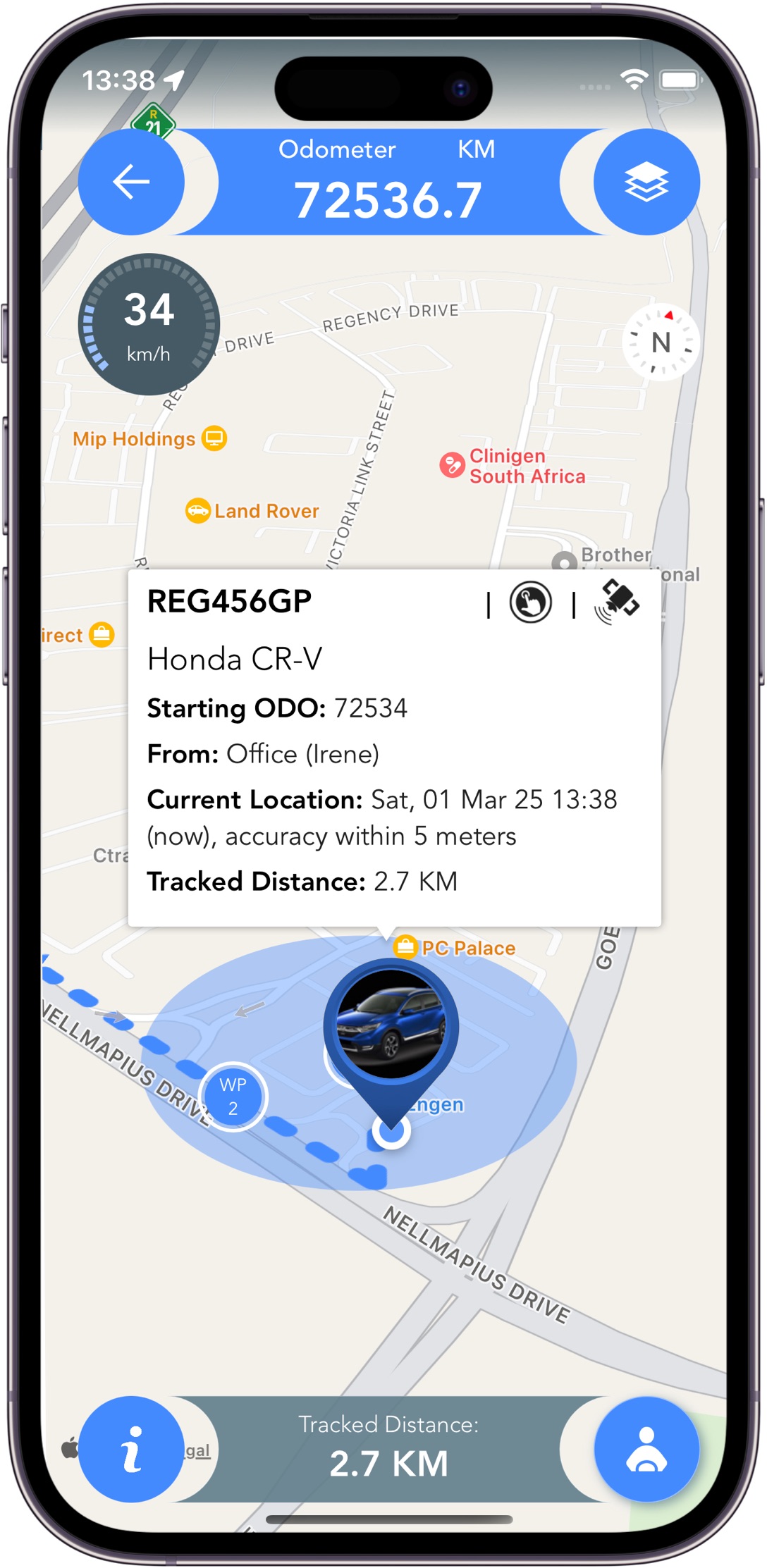

Change trip triggers and tracking modes as often as you like, until you find the perfect fit.
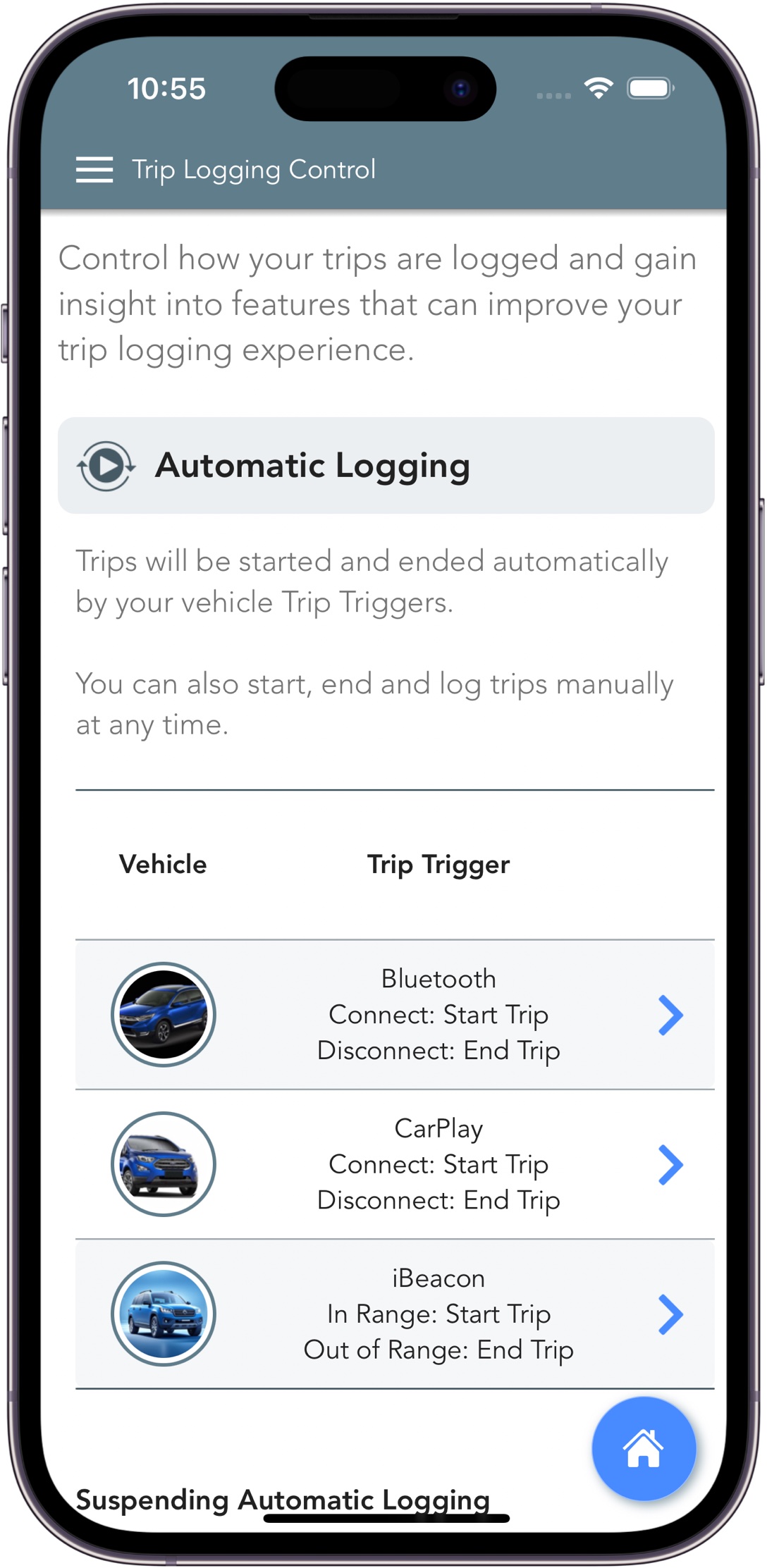

Log trips, fuel, service and expenses for all your vehicles. Each vehicle’s logbook data is clearly separated and categorised.

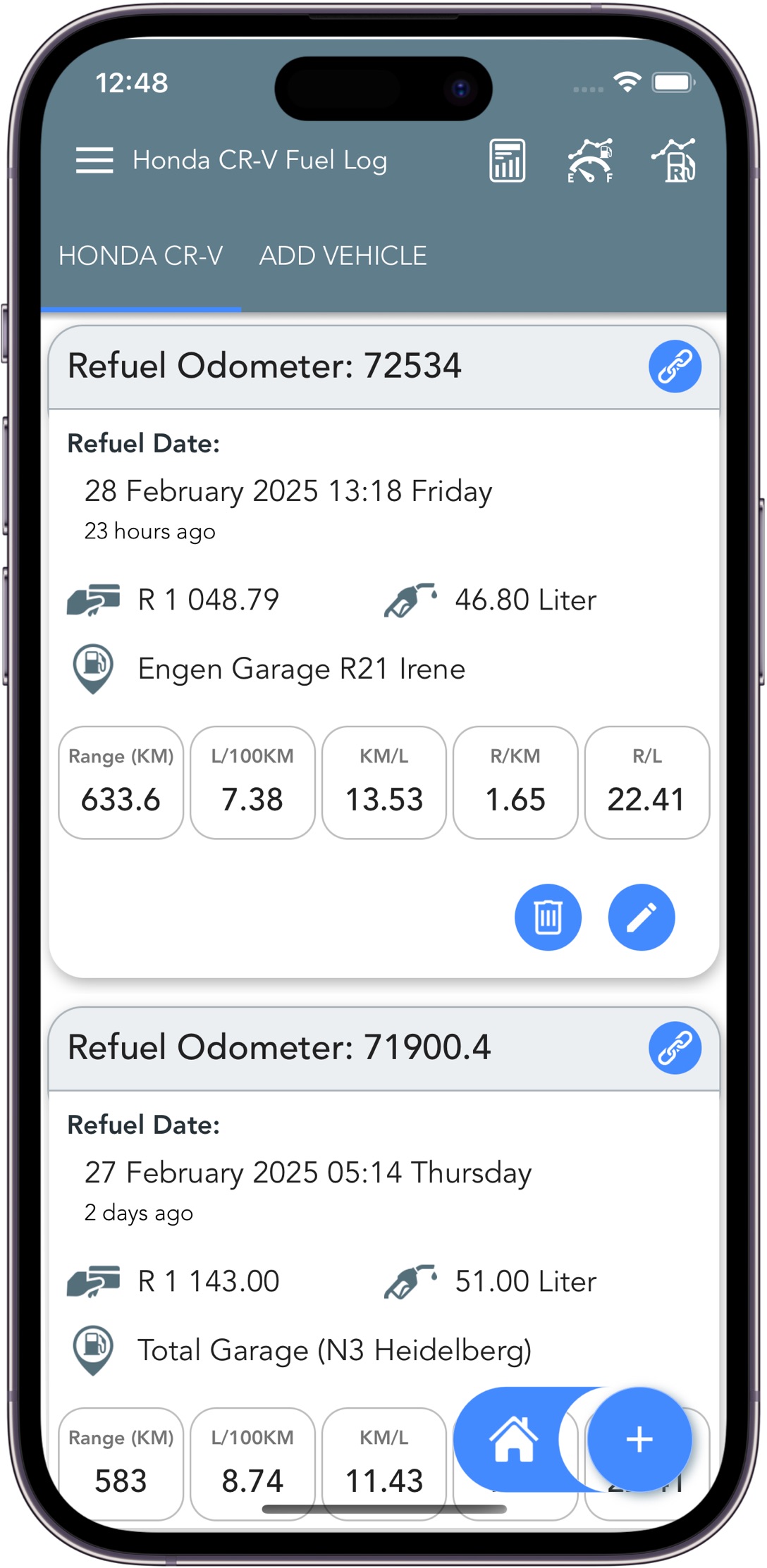
Log your fuel with precision and access real consumption metrics. Cost‑per‑km, trend analysis, and linked refuels help detect issues early and reduce operating costs.

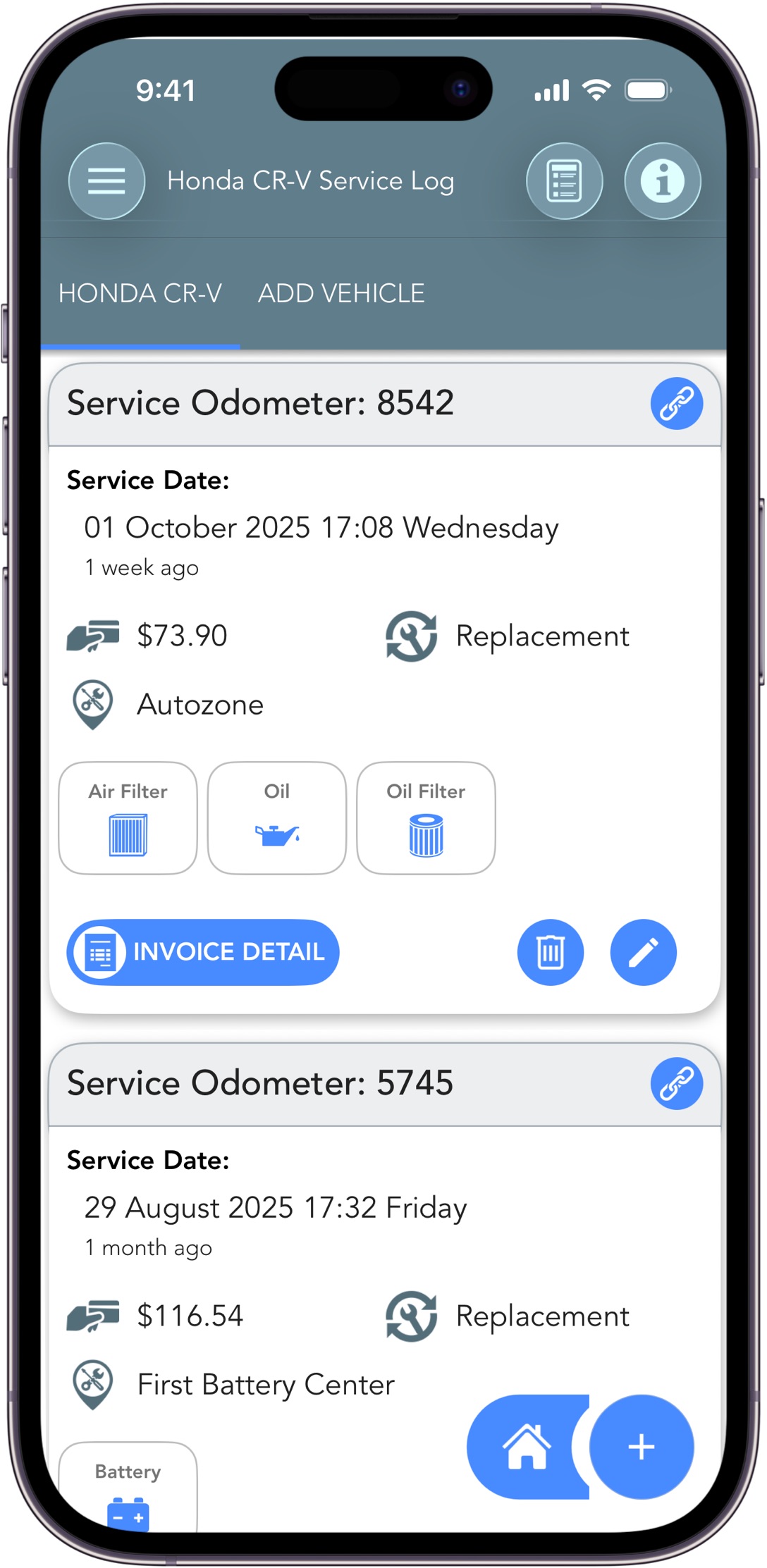
Track every service, repair, and part replacement. Generate a professional Full Service History (FSH) report and keep warranties, costs, and maintenance records linked directly to your car logbook.

Review and confirm auto-logged trips, edit any details, and use filters to find unconfirmed trips quickly.

Export your business travel logbook to PDF in the correct SARS logbook format.

Export your data to CSV and PDF format. Open the CSV in Microsoft Excel, Apple Numbers or Google Sheets.

Trip Logbook's Privacy-First Architecture ensures that your sensitive data never leaves your device. Backup and restore whenever you choose, with full control.
Download Trip Logbook for Android or iPhone and create your free account. No payment, no commitment. Your 30 day full access free trial will be instantly activated.
Use Manual for a rapid and simple setup. Log your first trip in under two minutes with a familiar traditional experience.
Use an Automatic trip trigger for complete automation and experience Zero Touch Logging with full monitoring and control.
Confirm your trip details, then export your SARS-compliant logbook to PDF or CSV when you need it.
Trip Logbook not only takes the pain out of maintaining a vehicle logbook but it also:
Generate detailed reports for SARS, your accountant, or your own records, with flexible filters and export formats. Gain valuable insight with useful calculators.
Export your business travel logbook in the required SARS logbook format for South African tax returns.
Use the SARS Travel Claim and Expense Calculators and Reports to understand tax implications.
Create general PDF reports for internal reporting, reimbursements, or record keeping.
Expense Report, Fuel Report, Vehicle Full Service History (FSH) Report, Total Cost of Ownership Calculator are just some examples of many.
Export to CSV and open in Microsoft Excel, Apple Numbers or Google Sheets for deeper analysis and custom formatting.
This is also a great way to preserve your data. A CSV file has no dependency on Trip Logbook.
Access in-app help, FAQs, demo videos and guides to get the most out of Trip Logbook and keep your SARS logbook accurate.
Learn how to set up your vehicles, places, and trip reasons for accurate logging.
Understand what SARS requires in a travel logbook and how Trip Logbook helps you stay compliant.
→ Learn moreContact us via the Support option on the App main menu.
We respond! We fix!
Try Trip Logbook free for 30 days and automatically maintain your SARS-compliant vehicle logbook.